Bring Your Group Chat to the Leaderboard
Pool chat, standings-card share links and easier invites: how the newest Moving Day features turn a quiet pool into the one everyone checks on Sunday.
The best golf pools were never really about the picks. They were about the group text that lit up every time someone's sleeper pick eagled the 15th, or someone's round-one favorite went in the water twice before noon. Moving Day now has somewhere for that energy to live that isn't a separate app.
A chat that belongs to your pool
Every pool page has a members-only chat now - private to the people actually playing, invisible to everyone else even if the pool itself is public. It sits right next to the leaderboard, so the conversation and the standings that are causing it are in the same place instead of a screenshot pasted into a different app.
As commissioner, you're not just hoping it stays civil: you can delete any message, and every message carries a report flag any member can use to send something to the Moving Day team for review. Anyone can delete their own message too, for the inevitable typo or second thoughts.
Standings that unfurl, not just links
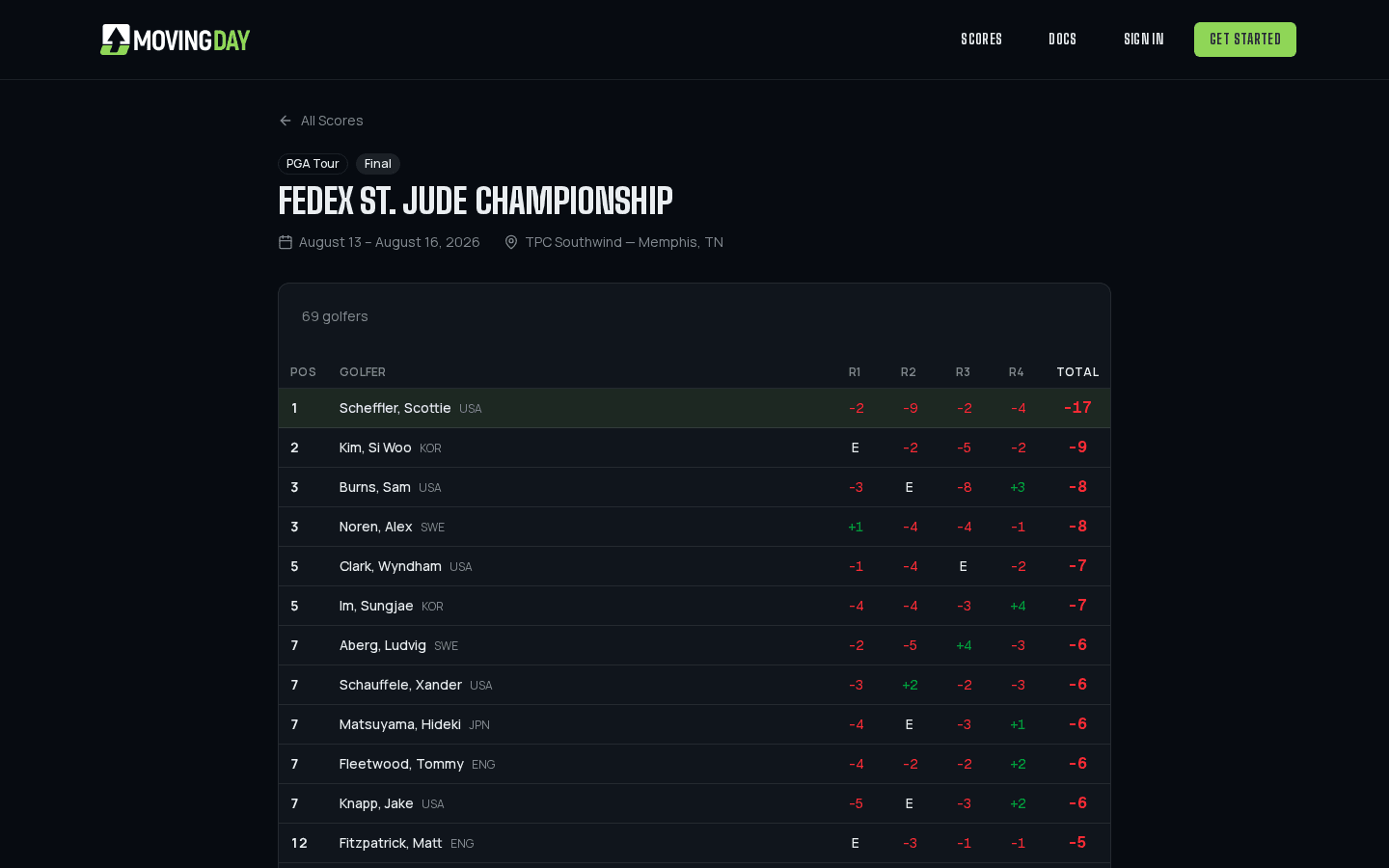
Drop a Moving Day leaderboard link into a group chat and it doesn't just show up as a bare blue URL anymore - it unfurls as a standings-card image, current positions and all. That's the difference between someone actually clicking through mid-round and someone scrolling past a link they don't recognize.
Growing the pool without a spreadsheet
Every member gets a one-tap share prompt for the pool's invite link, so bringing in a few more people from the group chat is one button instead of a copy-pasted code and a follow-up text explaining how to use it. If you'd rather keep the invite in your hands as commissioner - an office pool where you're vetting who gets in, say - turn Members Can Invite off in the pool's settings and only you and any co-owners can see or share the code.
Put together, it's a small loop: someone shares a standings card into the chat, someone else wants in, one tap gets them a link, and now there's one more person talking trash in the pool chat by Sunday.
Running the whole thing?
The commissioner's guide covers invites, co-owners, and moderating chat in full.