Documentation
How Moving Day pools work
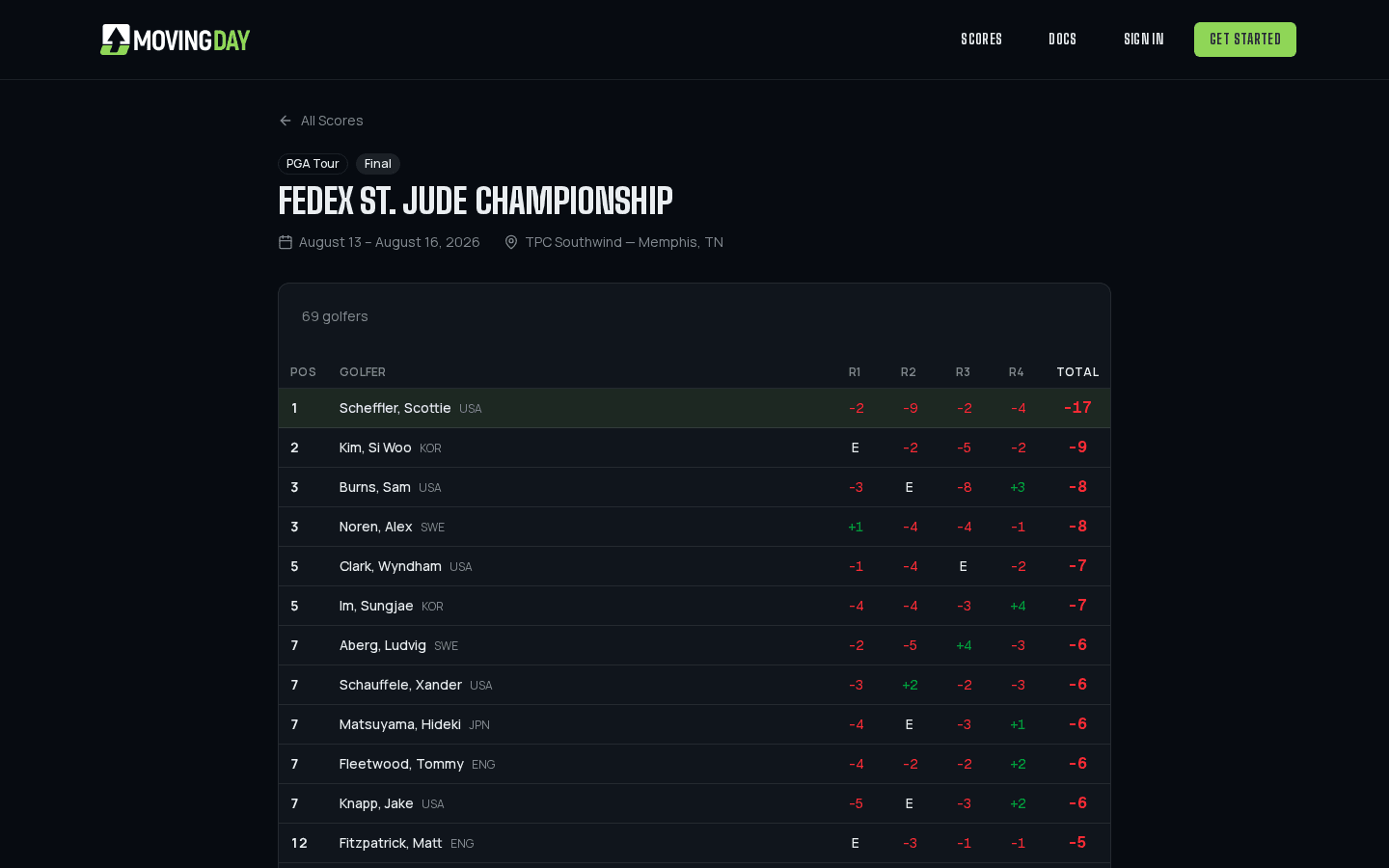
A pool is a group running one or more golf tournaments together. Everyone picks a team of golfers, Moving Day scores them live as the real tournament plays out, and it settles who owes who at the end. This is the reference for every option you'll see while setting one up.
Getting started
- 1Sign up and verify your email - we send a link to confirm it's really you before you can sign in.
- 2Create a pool and invite your group by link or code. The owner decides whether members can see and share that code themselves, or only the owner and co-owners can.
- 3Add a competition: one tournament, or a full season across several.
- 4Choose your scoring rules and how members build their roster.
- 5Everyone picks their team before the tournament starts, and the leaderboard updates live.
Go deeper
Formats & Rule Presets
Classic, Hardcore, Forgiving, Casual, or fully custom, and how members build their rosters (open, tiered, or draft).
Scoring
How team scores are calculated each round, and what happens when a golfer misses the cut, withdraws, or is disqualified.
Seasons
Run a pool across every major, not just one tournament. Points accumulate per event into a season standings table.
Drafts & Tiers
The two ways to keep everyone from just picking the same five favorites: a live snake draft, or tiered picks.
One-and-Done
The office classic as a season: one golfer per tournament, never the same golfer twice, season points decide it.
Side Games: Skins & Rabbit
Round-by-round side pots next to the standings, with per-tournament buy-ins the commissioner tracks.
The Moving Day Format
Pick anyone; every round is handicapped by ranking band, a missed cut costs the field median plus two, ties go to count-back.
Free Moving Day Pools
How the free, prize-backed public pools work: joining, picking, winners, prizes, and sponsoring one.
Payouts
Set fixed dollar payouts for the overall winner and each round leader, and track who’s paid their entry fee.
Running Your Pool
The commissioner's guide: registration, invites, co-owners, broadcasting to members, and moderating chat.
Notifications & the App on Your Phone
In-app, email and push; how to get push on iPhone (add to Home Screen first), Android and desktop; turning things off.
Your Account
Email verification, notification preferences, unsubscribing, exporting your data, and deleting your account.
AI Apps: Claude & ChatGPT
Connect the AI app you already use: set up a pool by describing it, check standings, see who still has to pick.
Read the full walkthrough
A guide covering the whole feature set start to finish, for anyone setting up their first pool.